| | The Product
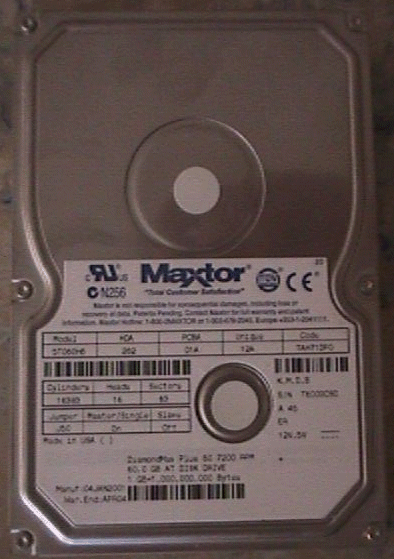
The DiamondMax Plus 60 is in Maxtor's line of performance drives.
It features 60GB of storage with ULTRA ATA-100 support and has a rotational
speed of 7200RPM's
The first thing that I was curious about after installing the drive
was the temperature of the drive. If you have a 7200RPM drive it
is always a good idea to have a well-cooled case as these drives
tend to put off more heat than your typical 5400RPM drive. And for
good reason, they are spinning a whole lot faster. I found that
the average temperature for the drive in my Addtronics 6896A case,
which features six fans, was around 85-95F degrees. To obtain this
reading, I used the Raytek MT4.
This device is great for taking temperatures. I would highly recommend
you check it out.
Another point I would like to make about this drive is its quietness.
I have found that most all Maxtor drives tend to be very quiet and
the DiamondMax Plus 60 follows right along in this path. It comes
equipped with acoustic management which reduces the speed of the
head seeks in order to keep the drive at a quieter level. For those
of us though that don't really care about having a quiet drive,
and want performance, Maxtor has included acoustic management software
on their website to disable acoustic management on their newer drives.
Disabling acoustic management increases the speed of the drives
head seeks thus improving your performance. The file can be found
here.
Up Close


|