Pictures

Original
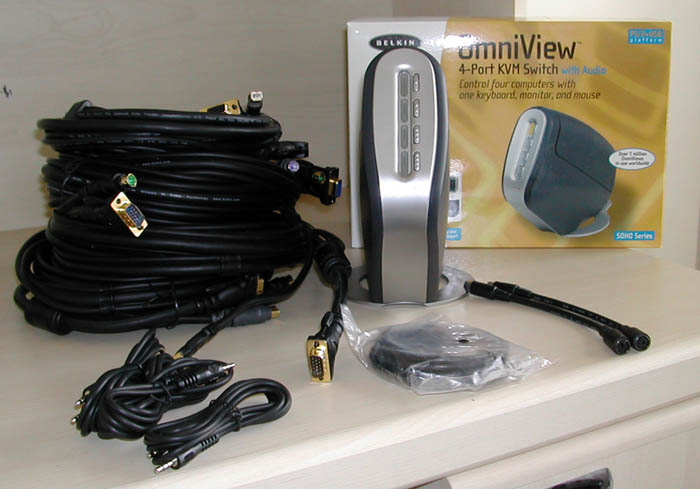
shipment from Belkin included all of the goodies from within the box, and and
abundance of gold plated KVM cables.

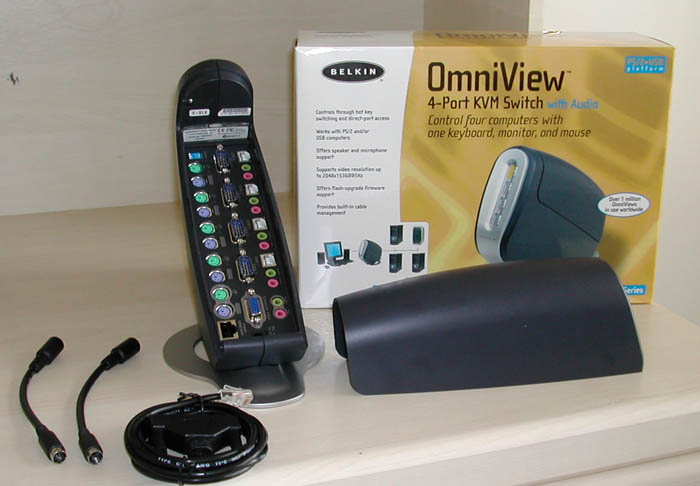
What actually comes with this KVM (i.e Cables not included)

A picture of the ports present on the KVM. Notice the flash upgrade port
and dipswitches.
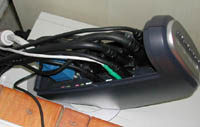
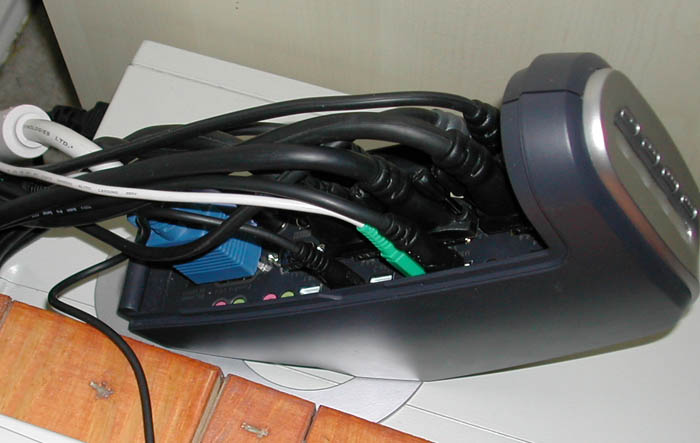
This is a picture of how hectic the back of the KVM starts to
get once 3 computers are hooked up to the KVM.
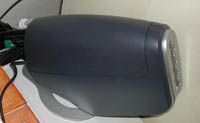
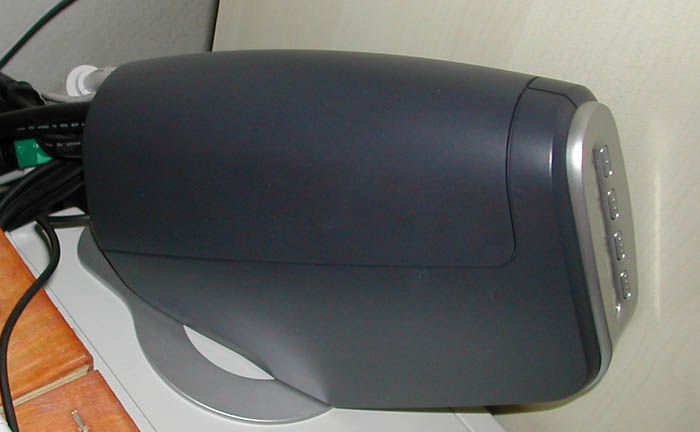
Ahhh, cable management, a thing of beauty. The cover and angular design of
Belkin's KVM make it far superior in terms of footprint and messiness as
compared to the Linksys KVM below.
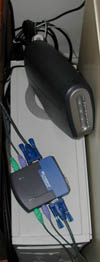
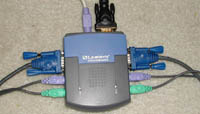
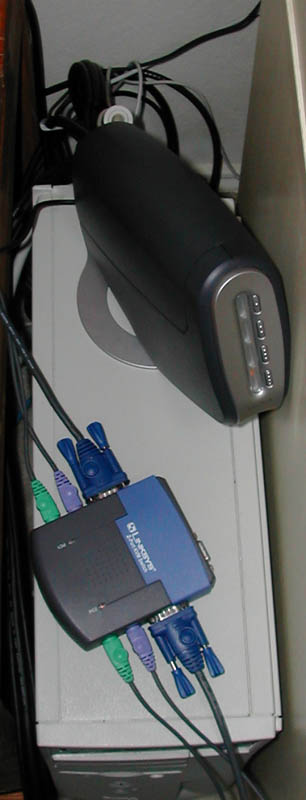
Notice in the first picture, the Linksys KVM (a 2-port) only has
two connections to it, the connections for the console aren't even
hooked up, yet it already has a larger footprint then the Belkin
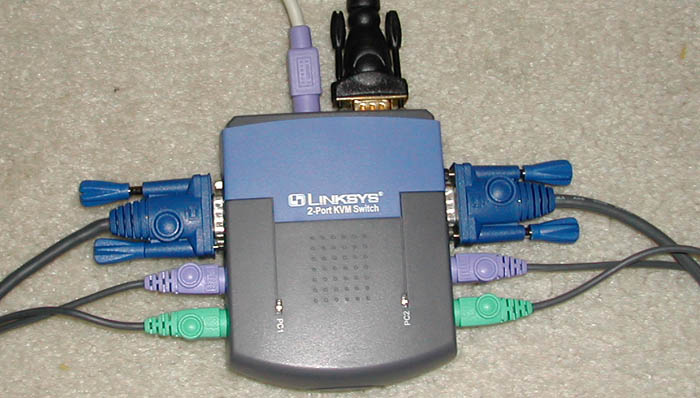
4-Port KVM. Pictured on the right is the Linksys with the
console connection (no mouse), which illustrates how much larger
the footprint ends up getting as you now have cables on 3 sides
of the KVM. Score a huge design win for Belkin.
|