|

|
Gameplay: Interface
There's a lot to be said about this so allow me to ramble a little
bit. First and foremost is the control interface. It's a bit of
a pain in the beginning because it's so simple: you get the arrow
keys to move Shamley around, a button to make him run, a button
to make him jump and a button to make him perform an action-any
and every action. Oh yeah, you also get mouse control to move your
magnifying glass around, highlight clues and interact with a PDA
that serves both as a notebook and system menu. It really is a scheme
suited for a game pad, but there was no native game pad support
to be found, alas.
Once you get used to keeping both hands on the keyboard and off
the mouse (this is way old school-I swear Kings Quest 3 had more
mouse interface than this) the game is decently playable. As I said,
you pretty much use your action key for everything, opening doors,
turning on lights, pushing buttons you name it. The appropriate
icon appears in the upper left corner any time you approach something
you can interact with, so it's simply a matter of moving your character
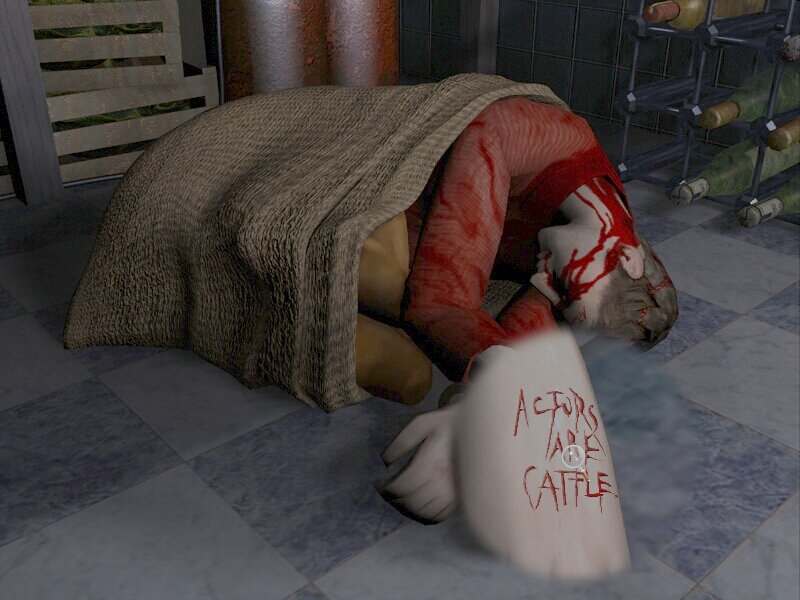
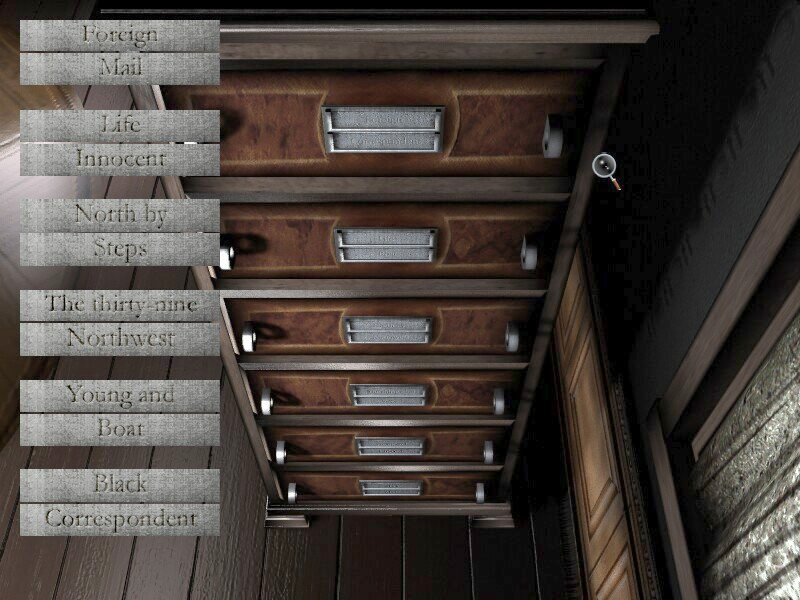
around until you've found something of interest. The mouse only
really comes into play when you're examining something up close-such
as searching a body or unlocking a puzzle-and when you are selecting
something inventory for use in the environment. Even there, kudos
to Arxel Tribe for streamlining the key interface: you amass quite
a collection of keys, but there's no need to hunt for the right
one as in other adventure games. As long as you have the appropriate
key, the door automatically unlocks and the PDA pops up telling
you what key you've just used.
|


 E3: Electronic Entertainment Expo 2002