|
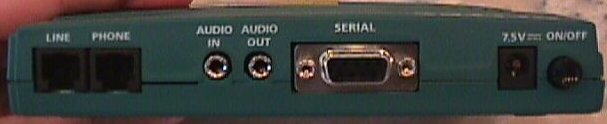
Up Close


Starting from Left to Right:
Phone Jacks -
Audio In - Microphone connection
Auido Out - Allows connection to sound card
Serial - Connection to computer for configuration
AC Input - Power Input
On/Off Switch
Here is a picture of the Compact Flash Card.

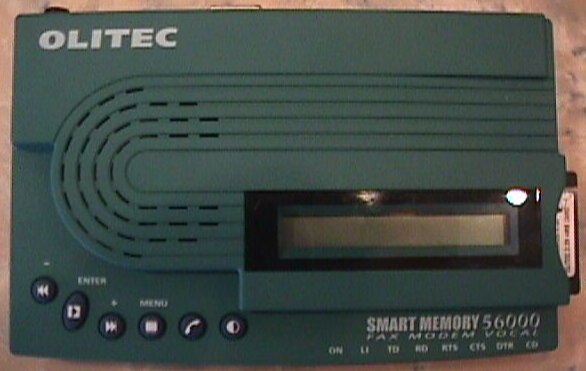
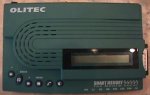
Here is a top view of the modem
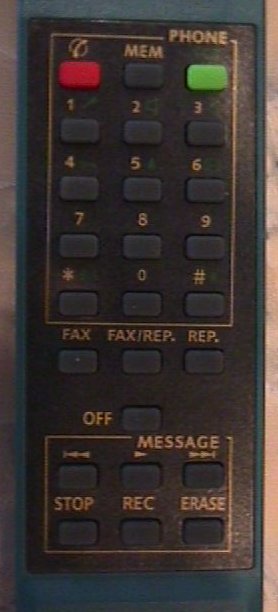
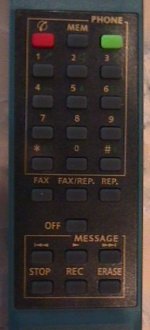
Here is a picture of the controls on the remote.
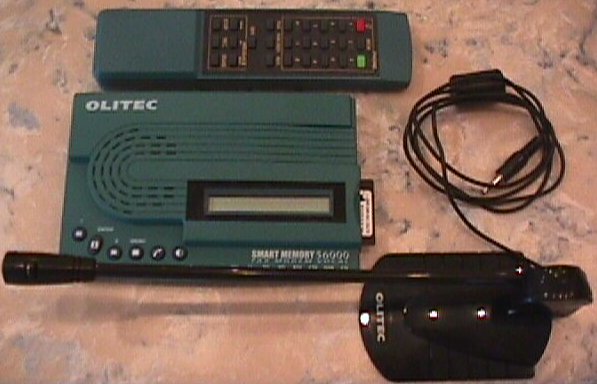
The Product
This product is a very interesting one. It is an all-in-one
fax machine, modem, voice mail system, caller ID, and hands-free
speakerphone system. You can surf the internet with it, receive
faxes with it, receive voice messages, call people with its hands-free
mic or built-in speakerphone, send faxes, and much more. This product
literally has many capabilities. So many that I will not cover all
of them due to space and attention span limitations. I will try
my best to touch on the best points though.
Lets start out by taking a look at the software since that is what
provides the expanded programmability to the SmartMemory Modem.
Instead of explaining every feature I thought I would just post
a bunch of screenshots so you could see for yourself.
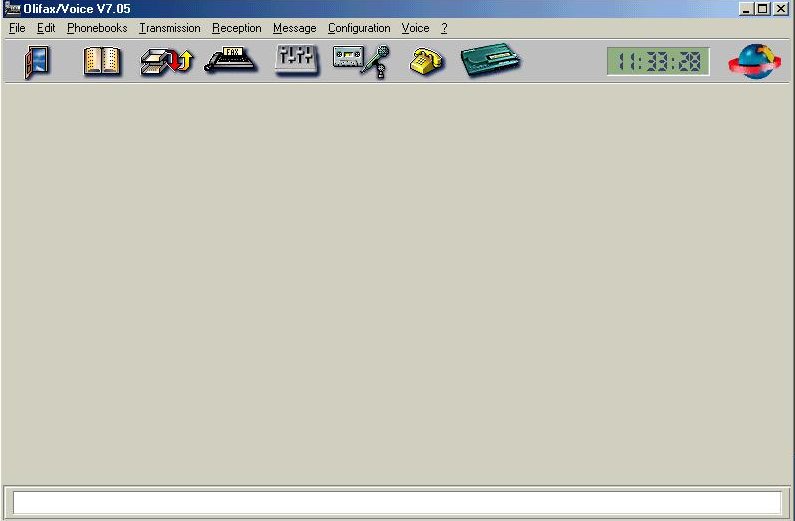
When you first select to open the program to configure the SmartMemory
Modem, you are prompted with the following:
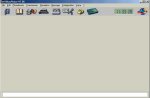
From this menu you have several options of configuring the settings
on the modem, viewing your phonebook, making a hands-free call,
viewing the log, which displays all incoming calls, faxes, etc.
I have taken some screenshots of some of the more important ones.
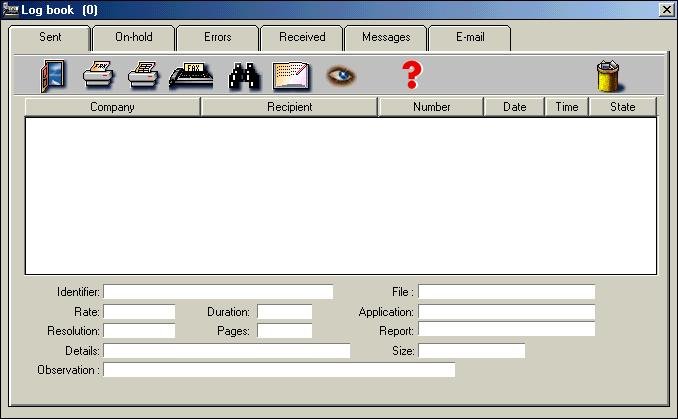
The first is the log
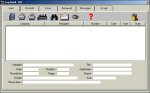
This displays how many faxes have been sent, calls put on hold,
errors, faxes received, messages received, as well as e-mail that
the SmartMemory Modem may have downloaded from the internet e-mail
account that you specify.
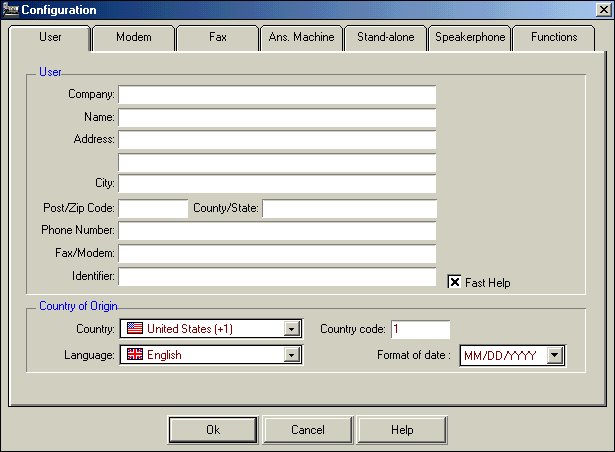
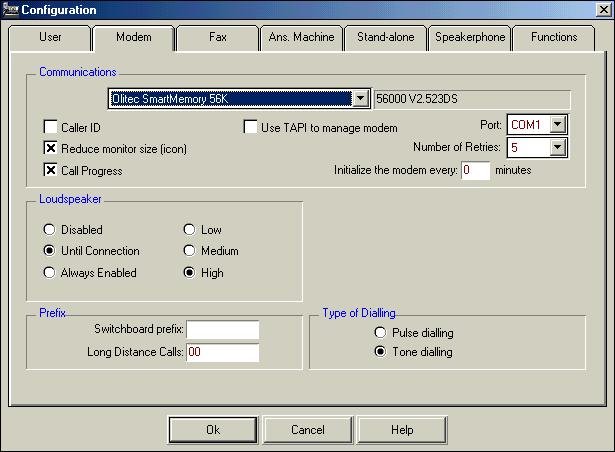
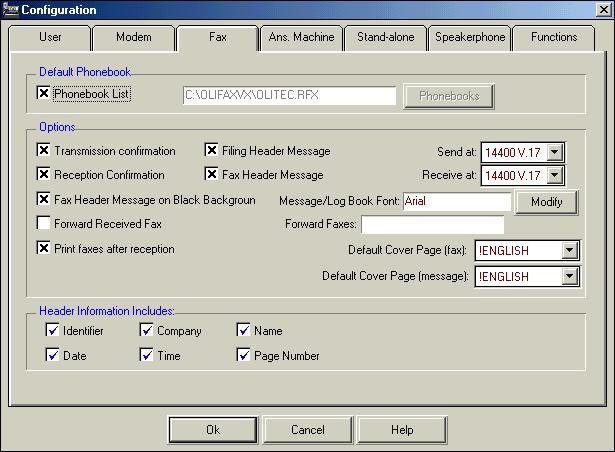
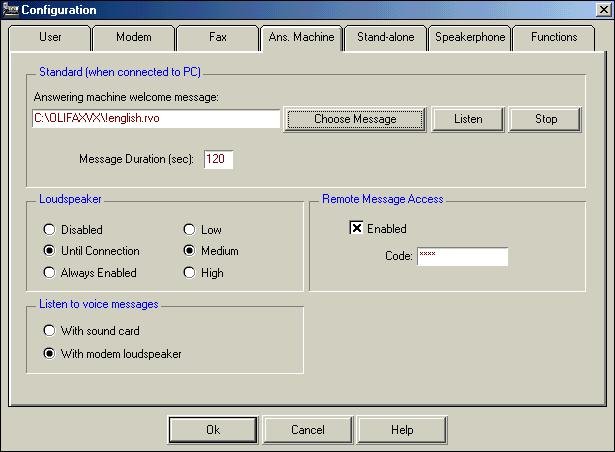
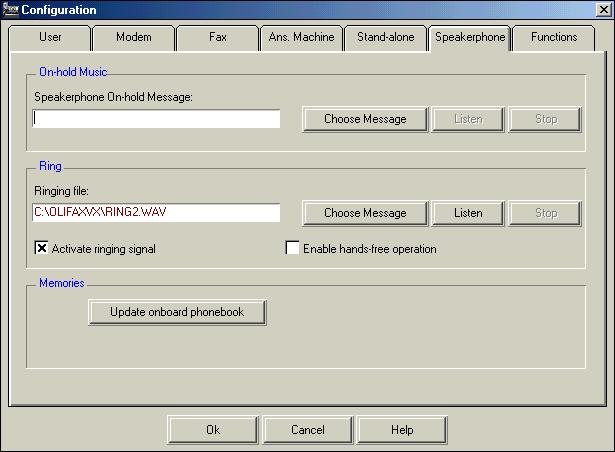
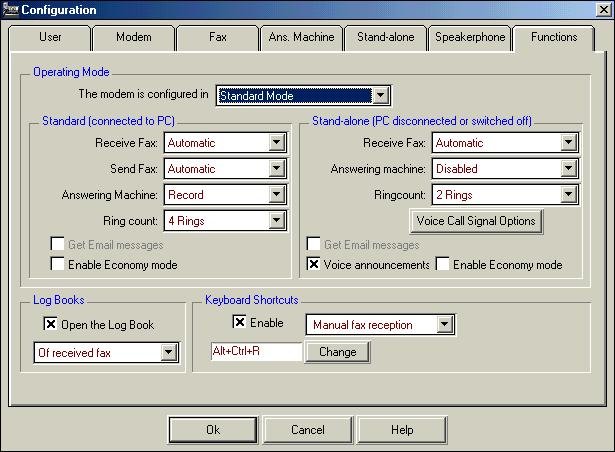
The next item that we come to is the SmartMemory modem configuration
page

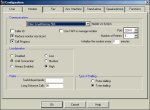
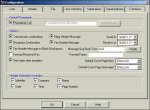


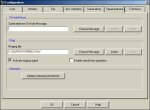
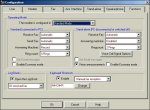
I think most of the settings are self-explanatory just remember
that stand-alone means without PC and standard mode is connected
to PC.
Testing
For testing out the Self Memory Modem I connected it to my phone
line and used it. I downloaded and installed a recorded message
and then called leaving several messages. I also sent a fax to it
and used the hands-free speakerphone feature. All of the features
worked without a problem. The only thing that I would like to see
added to the Self Memory Modem is the ability to have multiple voice
mailboxes. Having just one is tedious, especially if you live with
other people.
The included remote control worked pretty well also, the only thing
is that the modem sensor has to be in sight, and your remote aimed
at it in order for it to work.
The included microphone was also a great feature. I called several
people, and they said that I was coming through very clear and without
any breakup or static.
|